
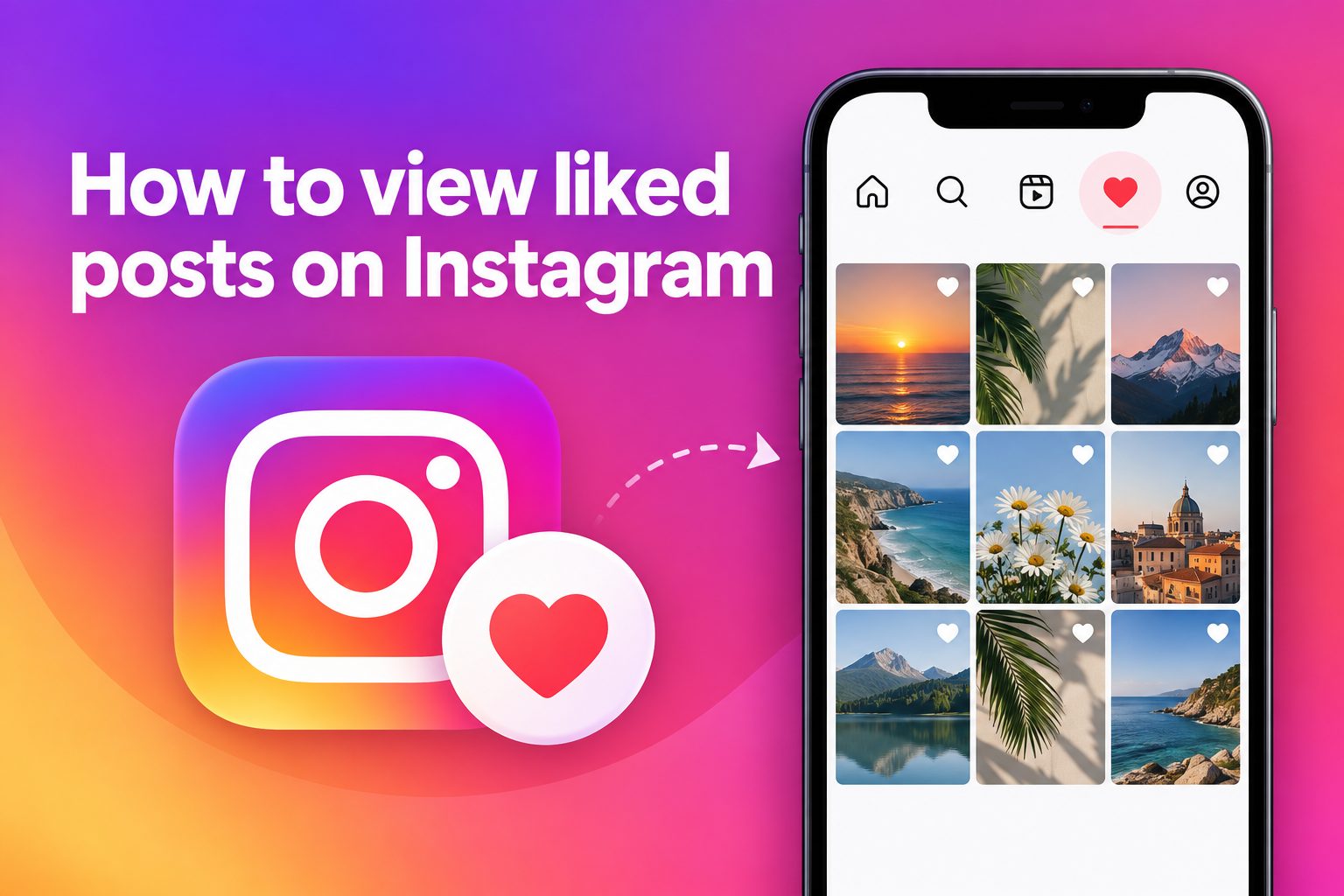
Learning how to view liked posts on Instagram can help you find a recipe, product, outfit, travel idea, or creator you enjoyed without trying to remember where you saw it. The feature is built into the Instagram app, but its location can be easy to miss because menu labels and layouts occasionally change.
Your liked-post history is private. It is useful as a personal reference list, yet it is not a perfect permanent archive. A post can disappear from the list if its creator deletes it, makes it unavailable to you, or changes their account settings.
This guide explains where to find liked posts, how to manage them, what the feature includes, and how to avoid common confusion. It also covers practical ways to turn a casual like into an organized collection you can revisit later.
Instagram records a like when you tap the heart beneath a regular feed post, Reel, or other supported content. That action tells the platform you enjoyed the post and may help shape the recommendations you see in the future.
The liked-post area is primarily a review tool. It lets you browse a limited history of content you have liked, rather than serving as a public list that other people can inspect.
Likes and saves serve different purposes. A like is quick feedback and may be social, while a save is usually better for content you want to keep for a specific future need, such as meal planning or shopping research.
The exact menu wording can vary by device, app version, language, and account type. Looking for an area called Your Activity is usually the most reliable starting point when you want to find liked content.
Because Instagram changes features from time to time, it is helpful to focus on the path rather than memorizing one screen. Updating the app can also resolve cases where an option seems to be missing or placed differently.
How Can You View Liked Posts On Instagram?
1. Open Your Profile
Start in the Instagram mobile app and tap your profile picture or profile icon in the bottom navigation. This takes you to the account area where personal settings, activity records, saved items, and tools for managing your content are grouped together.
2. Open The Menu
Tap the three-line menu in the upper corner of your profile screen. The menu contains options for settings, privacy controls, account tools, and activity history. Its appearance may differ slightly between iPhone and Android devices, but the general route remains similar.
3. Choose Your Activity
Select Your Activity from the menu. This hub brings together several records connected to your account, including interactions, recent searches, links visited, downloads, and content-related actions. It is the most likely place to find the history of posts you have liked.
4. Select Likes
Inside Your Activity, look for Interactions and then choose Likes, or choose Likes directly if it appears in the first menu. Instagram should display a grid of eligible posts and Reels you liked, normally arranged with the newest activity first.
5. Review The Grid Carefully
Scroll through the grid to revisit content. Tap any item to open the original post and view its caption, comments, creator profile, or related content. If you are looking for something specific, use available sorting or date filters before scrolling through many items.
6. Use Filters When Available
Some versions of Instagram provide filters that let you narrow liked posts by date range, author, or content type. These tools are especially useful when you remember roughly when you liked something but do not remember its creator or exact subject.
7. Confirm The Post Is Still Available
If an item you remember does not appear, it may no longer be available. The creator could have deleted or archived it, blocked your account, changed a private account setting, or removed you as a follower. In those situations, Instagram cannot show the original post.
Why Liked Posts Matter On Instagram
1. Personal reference: Liked posts provide a quick way to revisit an idea that caught your attention while scrolling.
2. Content discovery: Reviewing your likes can help you rediscover creators, topics, and formats that genuinely interest you.
3. Recommendation signals: Likes are one of several signals Instagram may use when tailoring future content suggestions.
4. Shopping research: A like can help you return to a product post and compare details before making a decision.
5. Creative inspiration: Designers, writers, cooks, and small business owners can revisit liked posts to study ideas they found useful.
Best Ways To Manage Instagram Likes
- Like Intentionally: Use likes for posts you actually want to acknowledge or revisit, rather than tapping automatically while scrolling.
- Save Important Posts: Save higher-value content, such as tutorials, destinations, or product comparisons, because saved collections are easier to organize by purpose.
- Create Collections: Group saved posts into clear collections such as Recipes, Home Ideas, Work Inspiration, or Gifts to make future searching faster.
- Review Regularly: Check your liked posts occasionally and save the items that still matter before they become difficult to find among newer activity.
- Use Date Filters: Apply date filters when available to reduce scrolling and locate content from a particular week, month, or event.
- Respect Privacy: Treat liked content as personal activity and avoid assuming that another person can see your complete like history.
Common Problems Viewing Liked Instagram Posts
1. Looking In The Wrong Menu
A common mistake is searching through Settings, Saved, or notifications without opening Your Activity. Saved posts and liked posts are separate records. If you want to see content you tapped the heart on, begin with your profile menu and navigate to the likes area.
2. Expecting Every Like To Remain
A liked-post list cannot show content that no longer exists or is no longer accessible to your account. Deleted posts, removed Reels, private-account changes, and blocks can all affect what you see. This is why saving important information elsewhere can be sensible.
3. Confusing Saves With Likes
Many people expect a liked post to appear in Saved, but Instagram treats these actions differently. Likes are quick interactions, while saves are bookmarks. If you want a dependable category-based library, use the bookmark icon and place the post in an appropriate collection.
4. Using An Outdated App
An older version of Instagram may show a different interface or omit recently adjusted controls. Update the app through your device’s official app store, reopen it, and check Your Activity again. This simple step often resolves navigation issues caused by interface changes.
5. Searching For Other People’s Likes
Instagram does not provide a complete searchable list of posts another person has liked. You may sometimes notice friends’ activity in limited contexts, but you cannot open a full record of their likes. The feature is designed around your own account activity and privacy.
6. Relying On Likes As A Filing System
Likes become hard to browse when you use them for every interesting post. They work best as lightweight feedback, not as a detailed archive. For useful resources, save the post, add it to a collection, and write down essential details if the information is important.
7. Trusting Unofficial Tools
Avoid apps or websites that promise to reveal hidden likes, restore unavailable posts, or show private activity. These services may request login details or misuse your data. Instagram’s in-app activity tools are the safer choice for reviewing the information connected to your account.
To view liked posts on Instagram, go to your profile, open the menu, choose Your Activity, and locate Likes. From there, you can browse the available posts and Reels you previously liked.
Remember that likes are not the same as saves. Likes are useful for quick reactions and rediscovery, while saved collections are the better option for organizing content you may need later.
Keep your app updated, use filters when they appear, and do not be concerned if unavailable posts no longer show in your history. With a small habit of saving important items, Instagram can become much easier to use as a source of ideas and references.
FAQs About Liked Posts On Instagram
Can Other People See My Liked Posts On Instagram?
Other people cannot open a complete list of every post you have liked. Your liked-post history is available through your own account activity area. A creator may see that you liked their individual post, but that does not give them access to your full activity record.
How Many Liked Posts Can I View On Instagram?
Instagram may limit the amount of recent liked content shown in the activity area, and the exact display can change over time. Think of it as a recent history rather than a permanent unlimited archive. Save content that you truly want to keep and organize for later.
Why Is A Post Missing From My Liked Posts?
A missing post may have been deleted, archived, restricted, or made private by its creator. It can also disappear if the creator blocked you or removed you from a private account. Instagram cannot display content that is no longer available to your account.
Can I View Liked Posts On Instagram From A Computer?
The mobile app is generally the most reliable place to review detailed activity, including liked posts. Website features can differ from the app and may not offer the same navigation or history controls. If you cannot find the option on a computer, check the mobile app.
What Is The Difference Between Liking And Saving A Post?
Liking is a visible interaction that signals appreciation for a post and may influence recommendations. Saving is a private bookmarking action intended for future reference. Use likes for quick engagement, and use saves and collections when you want to organize useful posts by topic.
Can I Unlike Several Instagram Posts At Once?
In some app versions, the liked-post area offers a Select option that lets you choose multiple posts and remove likes in one session. If that control is unavailable, open individual posts and tap the heart again. Check carefully before confirming bulk changes.